

How Long Does a 3D Product Animation Take?
Published April 2026
Planning a 3D animation project is a bit like booking a holiday or starting a renovation. Give it the right amount of time and there's room to refine the work and get it right.
As a general rule: 2 to 4 weeks for simple work, 4 to 8 weeks for standard commercial projects, and 8 to 12+ weeks for high-end cinematic output.
The exact timeline depends on complexity, the number of deliverables, and how clearly things are defined upfront. But if you're trying to get a feel for what's realistic, those ranges are a solid benchmark.
Typical production timeline
Week 1 to 2: Concept and planning. This is where direction gets set. Brief, references, creative approach, all locked down here. Get this right and everything flows from it.
Week 2 to 4: Modelling and look development. The product gets built properly for animation. That means clean geometry, materials, textures, and lighting tests. If the source files are complex or unoptimised, this stage can take longer than expected, it's one of those things that's hard to predict until you're in it.
Week 3 to 6: Animation. Camera movement, product motion, transitions, timing. More shots and more complexity naturally increase production time, but this is also where the project starts to feel real.
Week 5 to 8: Rendering and post-production. Rendering, compositing, editing, final polish. If you're working with high-end visuals, particles, or simulations, this stage stretches. It's the part most people underestimate.
What affects timelines?
The biggest factor is usually the product itself. Simple packaging is quick to model and light, but once you're dealing with glass, liquids, or moving parts, the build time goes up noticeably. And animation complexity has a real knock-on effect. A straightforward product spin is fast, but particles, fluids, and simulations are a different beast entirely.
Then there's the number of deliverables. One film is manageable. But if you also need cutdowns, social edits, and stills from the same project, that's a bigger workload even if everything comes from the same 3D build.
Feedback timing makes a bigger difference than most people realise. Quick, focused review rounds keep everything moving. A brief that goes quiet for a week, then comes back with "just one small change" that turns out to be everything, does the opposite. Timelines can be compressed when they have to be, but breathing room is what gives the work the chance to actually get good.
Real timeline examples
Ranges are fine until there's a fixed launch date in the calendar. Here's how it plays out on real projects.

The Launchkey MK4 release film is a good example. The product wasn't physically finished, but the launch date was fixed and it wasn't moving. So the full pipeline was built from CAD and turned into a photoreal asset in time for release, delivering both long-form and cutdown content without needing the physical product in hand.
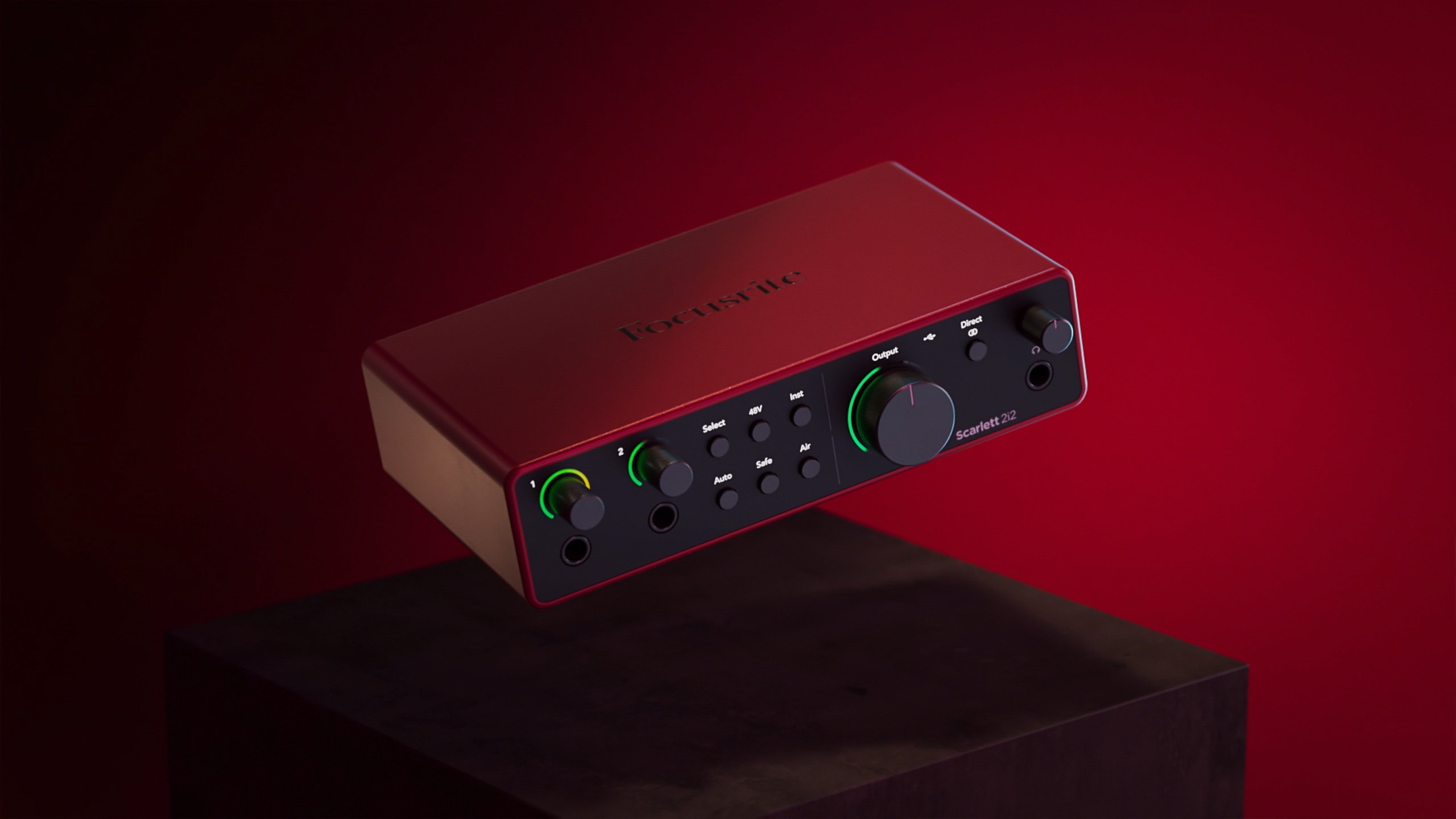
The Focusrite Scarlett 4th Gen launch film shows how timelines scale when you're dealing with launch content. It's rarely just one video. You've got multiple formats, multiple channels, and approvals running in parallel. A flexible CGI workflow makes it possible to adapt on the fly without having to rebuild everything from scratch.
How to keep projects running smoothly
Most of it comes down to preparation. Get the brief right at the start, with clear references, defined deliverables, and a shared idea of what "done" looks like before anyone opens a file, and the project mostly runs itself. A structured review process does the rest. Focused, timely feedback keeps everything moving.
Timeline vs cost
Timelines and budget move together. If you want a feel for cost as well, check the pricing page, use the project calculator, or read the cost guide.
What happens next
The timeline follows the complexity. Once you're clear on what you need, the rest falls into place.
Got a launch date you're working back from? Tell me when it needs to land and I'll tell you straight whether it's doable.